Acoustic Panels and Sound Masking | MPS Acoustics Dallas TX

Better Office Sound Masking and Acoustic Panels
MENU


















Acoustic Panels and Sound Masking | MPS Acoustics Dallas TX
Better Office Sound Masking and Acoustic Panels
Thank you for choosing MPS Acoustics! We’ve worked really hard to custom design your system specifically for your space. Now that your system is installed, let’s teach you how simple it is to use it!
If at any time you run into an issue, you can contact support via the online chat at the bottom right of your screen or email support.
Click the button below to download the VoiceArrest™ Project Management Software to your computer.
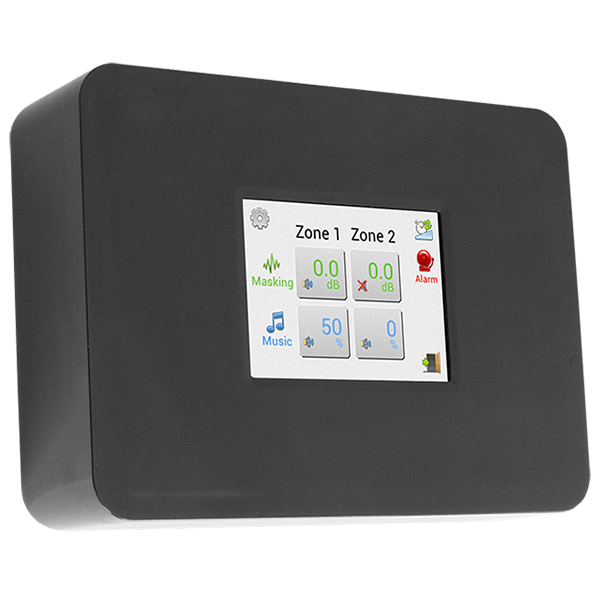
Watch the video below or download the step-by-step guide for adjusting your sound masking volume.
Music is fun but may not always be appropriate in all areas or at certain times of the day. We recommend limiting the use of background music for maximum effectiveness.
Some users may require a little time to adjust to the sound masking system. Slowly ramping the volume up to a level that is loud enough to cover background conversations but still comfortable over a 1-2 week period is recommended.
Sound masking is designed to be a comfortable background sound that reduces the intelligibility of unintended conversations. Most people do not recognize the sound if they don’t know what they’re listening for. This can often be helpful as it does not draw any unnecessary attention to the system while still allowing it to do its job.
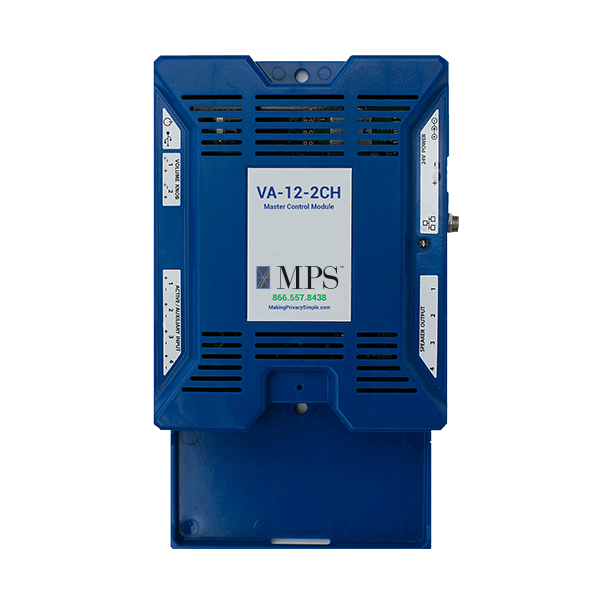
Networking the Controller
Linking a Controller
Masking & Paging Volume
Masking Volume Adjustments
Software Basics
Mobile App Setup
Fill out the form to download the files.